
| Back to the main page |
|
Previous Item || Table of Contents|| Next Item Adding Survey To add a new survey to your account, on the My Surveys page click Add New Survey . You will then be asked what method you prefer to create a new survey: 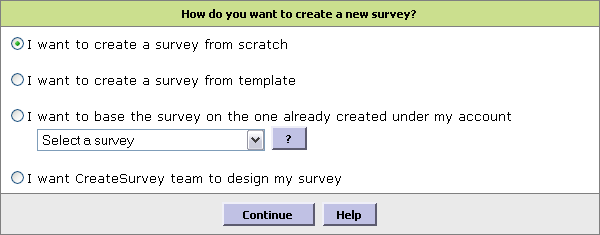 After you have selected the desired option, click Continue See also: |